![Weatherford-150.jpg]](https://hs.weatherford.com/hs-fs/hubfs/Weatherford-150.jpg?height=50&name=Weatherford-150.jpg)
Note: In order to update a dashboard, the user must have Power BI Desktop or higher.
The user will also have to have access to Datagration SharePoint.
Datagration has a SharePoint site that maintains the latest version of all commercialized dashboards.
- Download the lastest version.
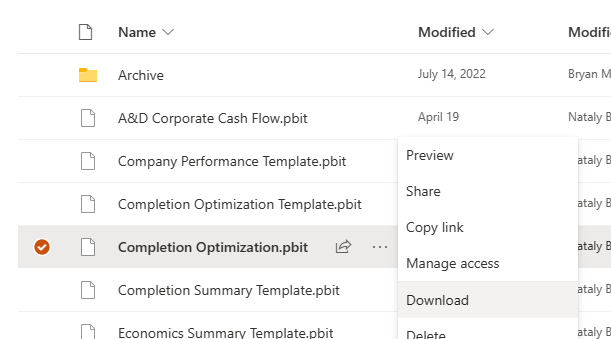
- Open Power BI file in Power BI Desktop.
- Type in the name of the workspace. Sign in to Datagration will be prompted.
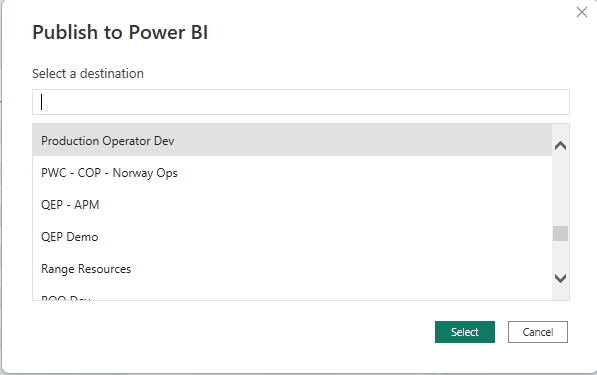
- The file will load to the workspace and the dashboard will open. Ensure data looks satisfactory.
- Save File to your Power BI Desktop Folder

- Save to Workspace in Power BI.
- Publish.
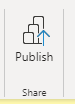
- Select workspace.
- Power BI will notify you when the update is completed.