![Weatherford-150.jpg]](https://hs.weatherford.com/hs-fs/hubfs/Weatherford-150.jpg?height=50&name=Weatherford-150.jpg)
In order to reset the signal, select the signal. Most of the resets will have to be time dependent. Notice the Gas Production Rate Forecast.
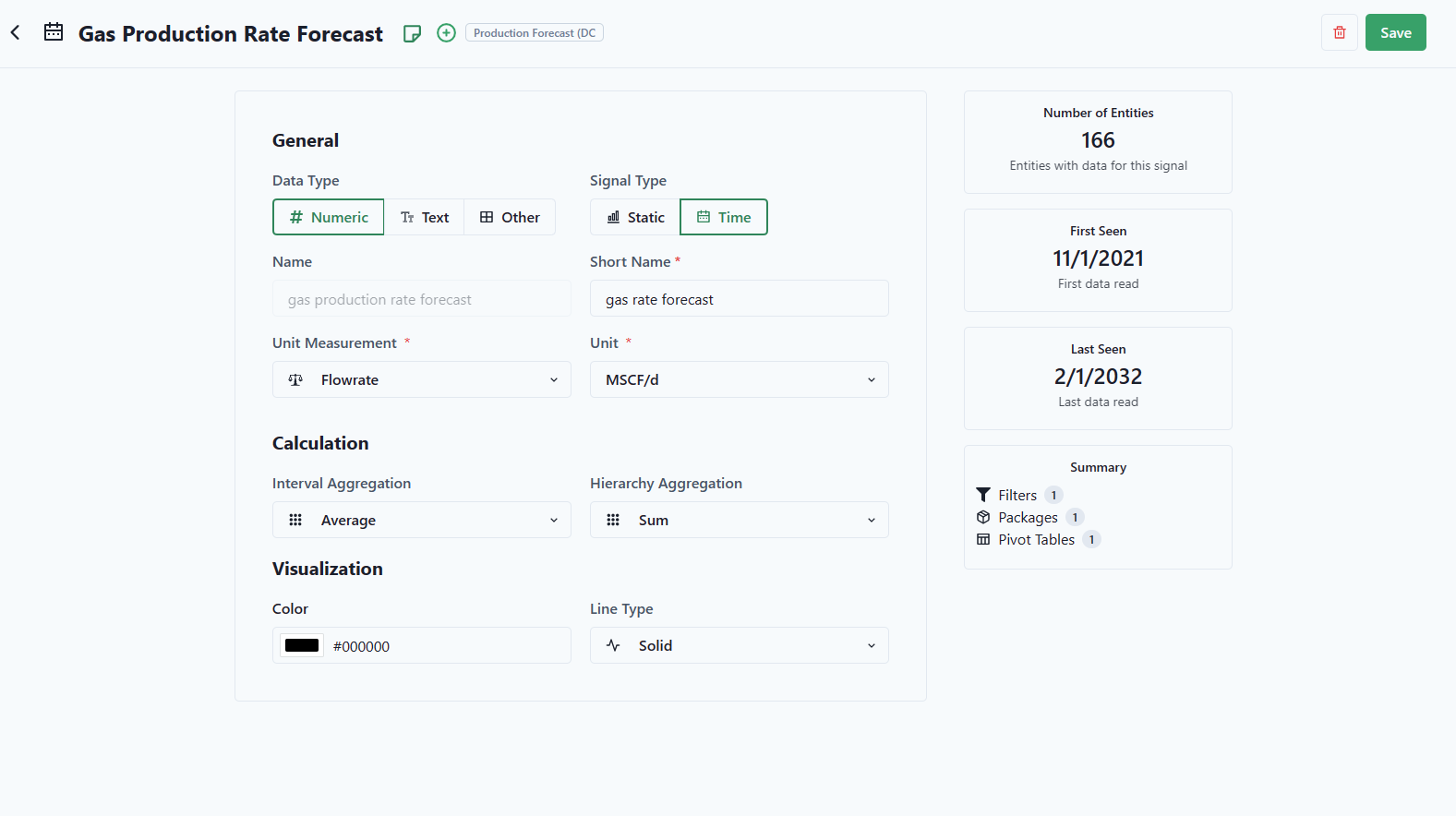
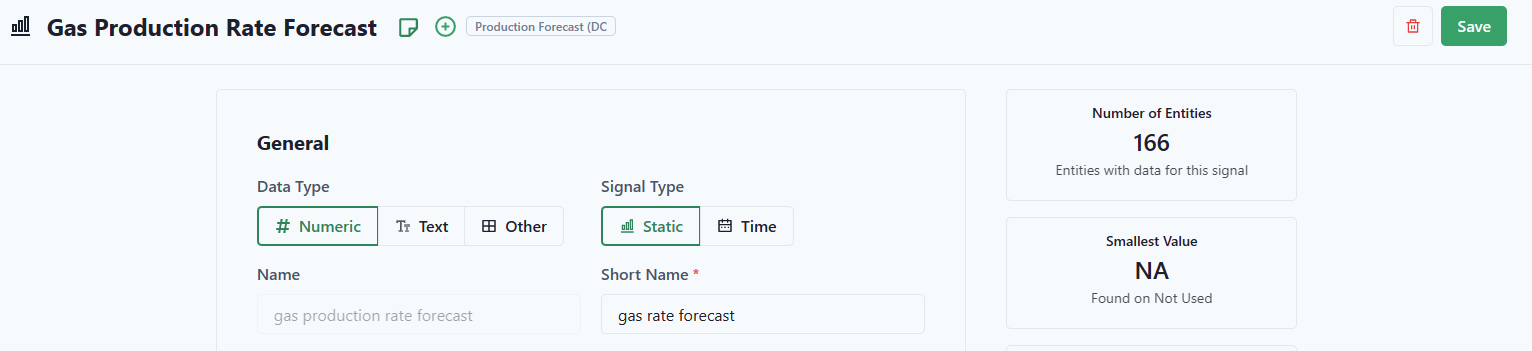
- To reset, change the Signal Type to Static.
- Save.
- Reset the signal back to Time.
- Save.
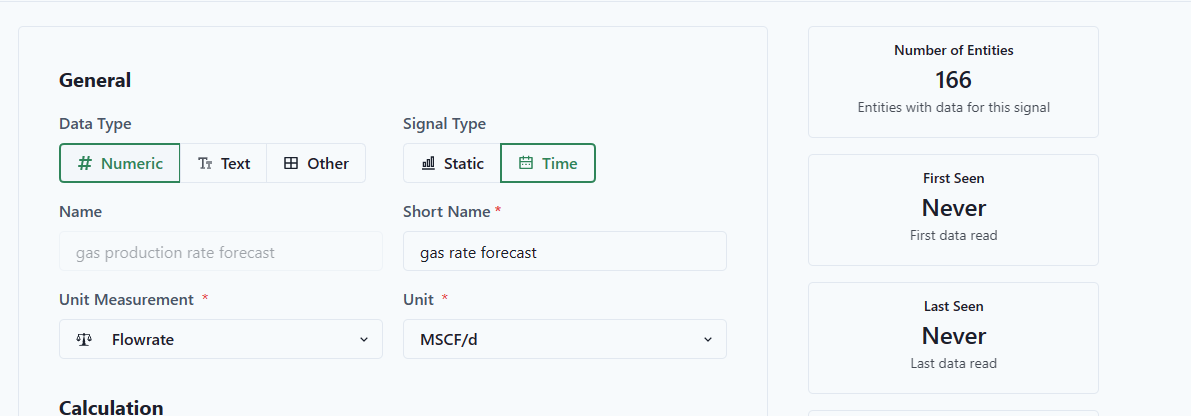
Notice that the value has no first seen and no last seen value.
- Rerun the workflow to populate the values.