![Weatherford-150.jpg]](https://hs.weatherford.com/hs-fs/hubfs/Weatherford-150.jpg?height=50&name=Weatherford-150.jpg)
MS Notification
- Datagration Internal Microsoft Teams Channel needs to be established for Workflow Notifications. This channel needs to be private and include the implementation team and the customer success team.
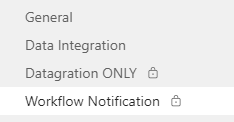
- Get the webhook from the MS Teams Channel.
- To create a new web hook, follow this Create Webhook Article for Notifications. Best Practice for naming the connector is "Client Name Notifications."
- To manage an already configured webhook, select "Configured" and then "Manage."
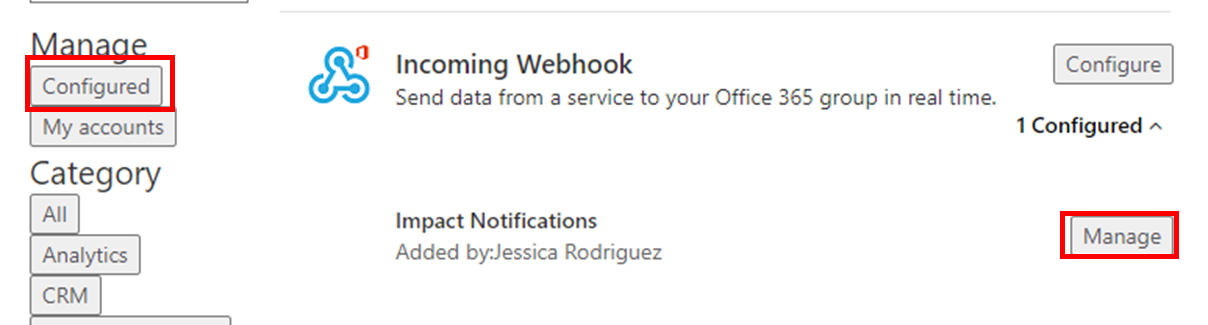
- Copy the connector from the Teams Channel.

Datagration Notification
Notifications need to be created in the Platform for:
- Obsolete P# function in use
- Workflow Execution Issue.
To learn more about notifications, use the article "What are Notifications?"
Obsolete P# function in Use
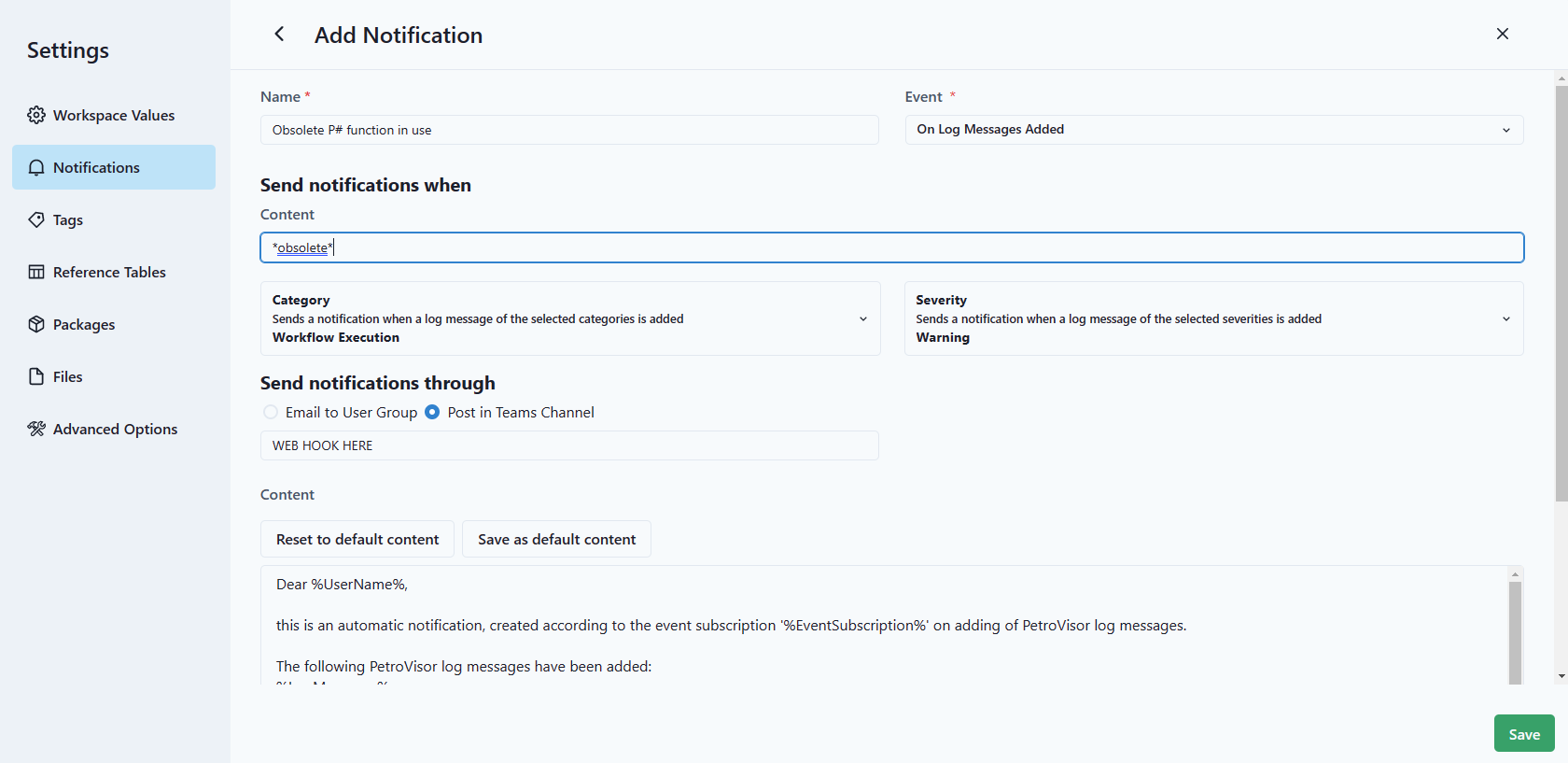
Here are the settings for Obsolete P# function in use:
Name: Obsolete P# function in use
Event: On Log Messages Added
Content = *obsolete*
Category = Workflow execution
Severity = Warning
- Save the Workflow
Workflow Execution Issue
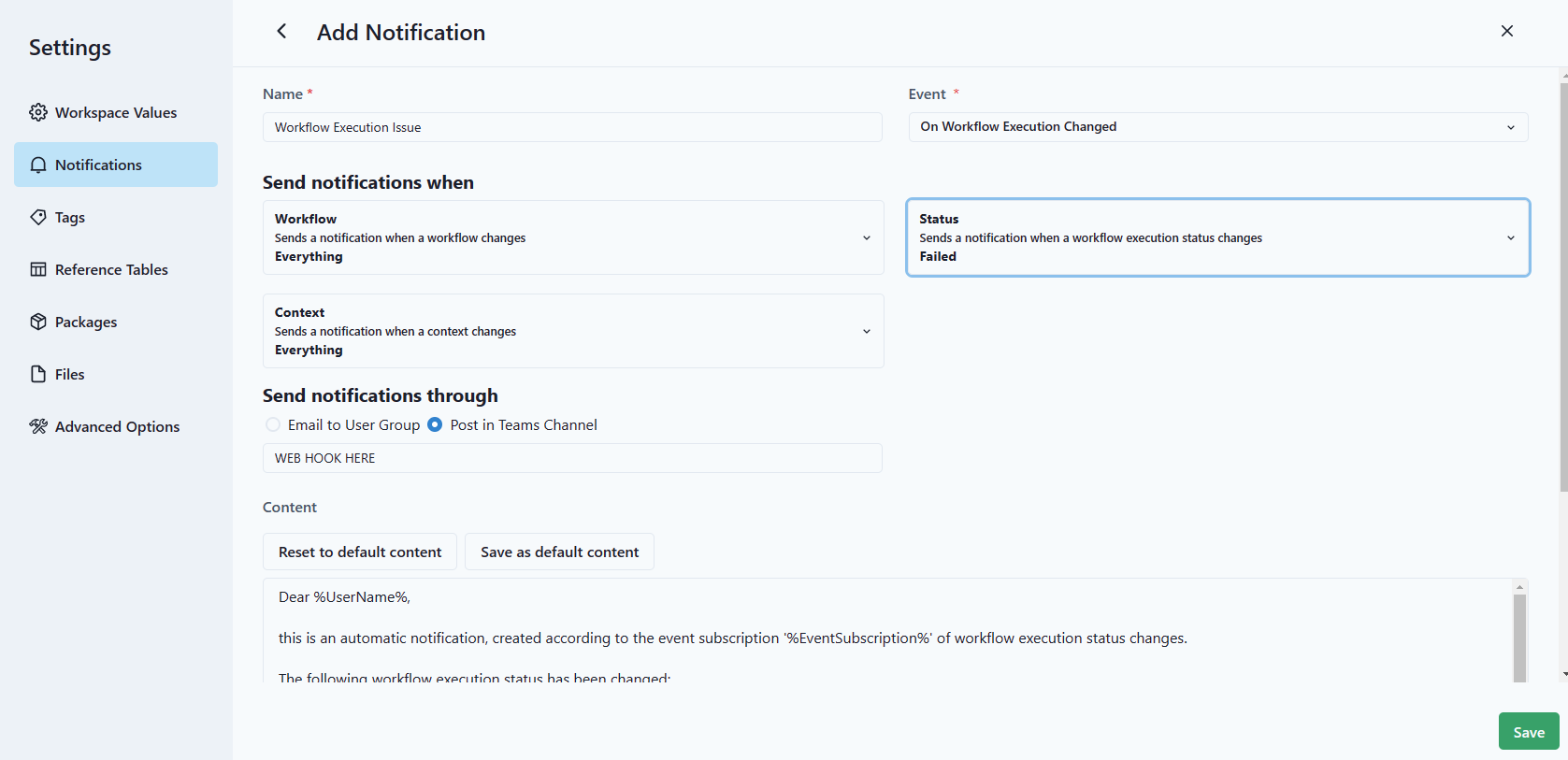
Here are the settings for Workflow Execution Issue
Name: Workflow Execution Issue
Event: On Workflow Execution Changed
Workflow: Everything
Status: Failed
Context: Everything
- Save the Workflow