![Weatherford-150.jpg]](https://hs.weatherford.com/hs-fs/hubfs/Weatherford-150.jpg?height=50&name=Weatherford-150.jpg)
Training Guide
- Navigate to Library.
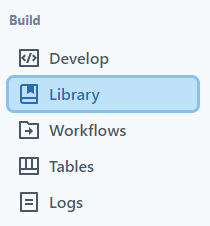
- Select "Scopes."
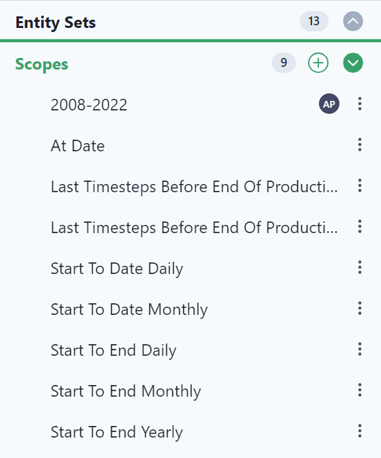
- Select the green plus to add a new scope.

- Name the Scope "2018 to 2032."
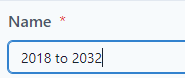
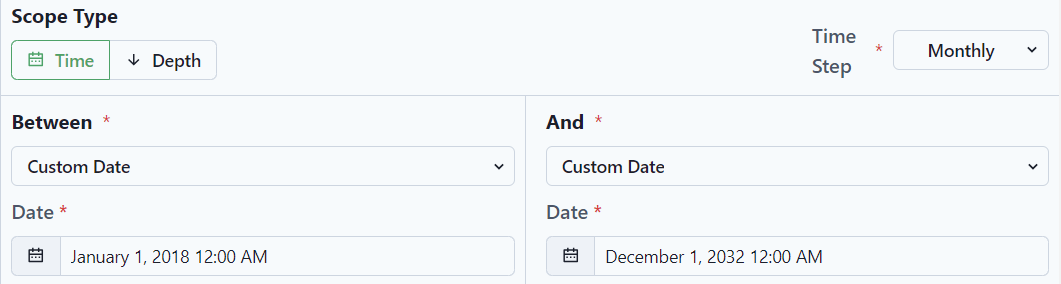
- Create the custom scope from
- Start: January 1, 2018 @midnight
- End: December 1, 2032 (in order to show the production forecast. Remember the date gets populated at the 1st of the month, so the entire year of 2023 will be available.
- Select "Save."

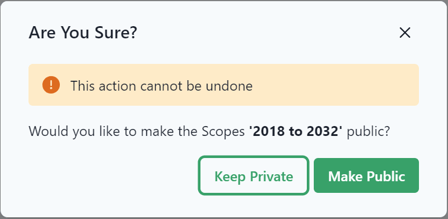
- Make the scope public by clicking on the user icon.

- Select "Make Public."