![Weatherford-150.jpg]](https://hs.weatherford.com/hs-fs/hubfs/Weatherford-150.jpg?height=50&name=Weatherford-150.jpg)
Training Guide
- To create a scope, Navigate to Library.
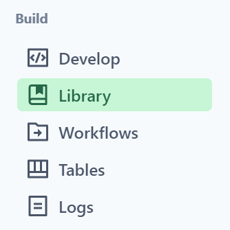
- Select "Scopes."
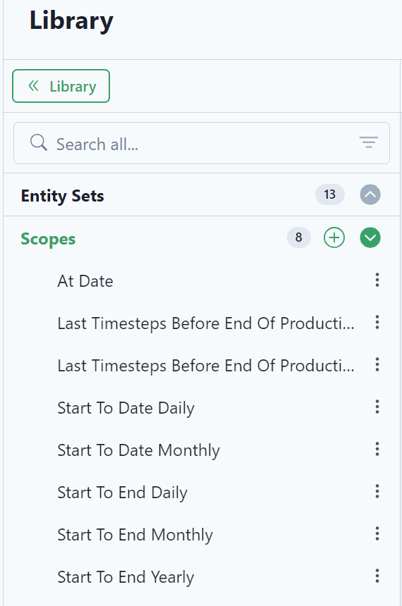
Notice that there are already some existing scopes brought in through the packages.
- Select the green plus to add a new scope.

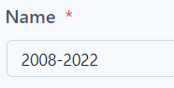
- Name the Scope "2008-2022."
- Remember from our data that it is brought in monthly. The Haynesville data starts in October of 2008. For our custom date start, select October 1, 2008 @ midnight.
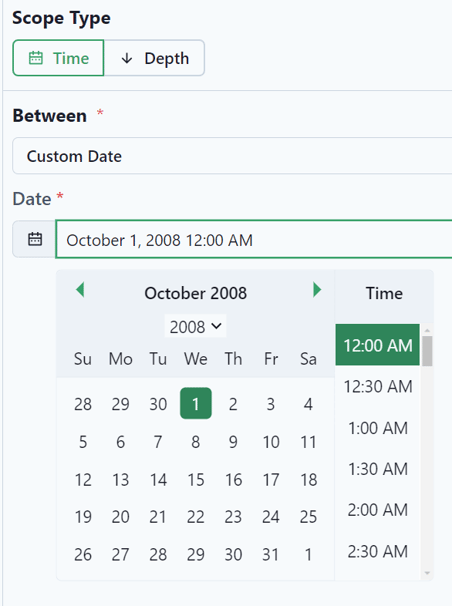
- The end date is February 1, 2022 at midnight because that is the last data brought into the platform.

- Click P# Editor.
This feature brings up the code behind the scope. It currently has a depth built into it.
- For this exercise, delete "From 1 To 1 Depth Step Meter".
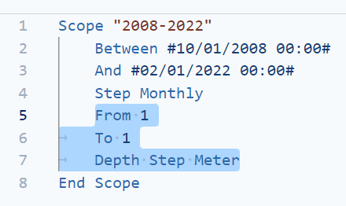
Here is what will be left.
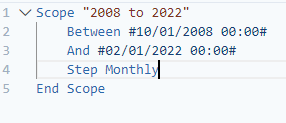
- Select "Save."

- Make the scope public by clicking on the ellipse and then the user icon.
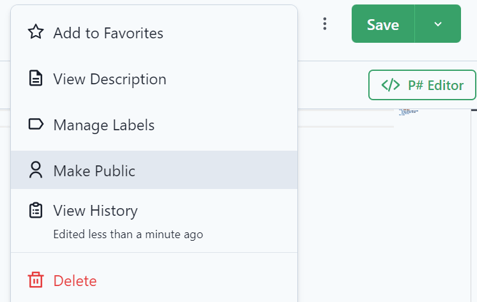
- Select "Save."