![Weatherford-150.jpg]](https://hs.weatherford.com/hs-fs/hubfs/Weatherford-150.jpg?height=50&name=Weatherford-150.jpg)
Video
Training Guide
The Production data is produced gas. This data is considered to be Numeric and Time Dependent and requires it to be mapped separately from the Static data.
- Add Source by clicking on the green plus.

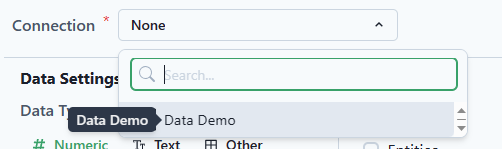
- Select the Connection as the Excel file.
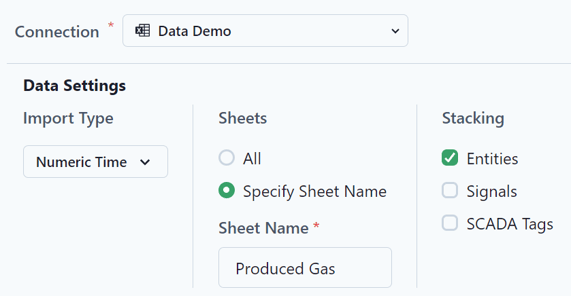
- Select the following Data Settings.
Data Type: Numeric
Import Type: Time
Sheets: Specify Sheet Name
Sheet Name: Produced Gas
Stacking: Entities
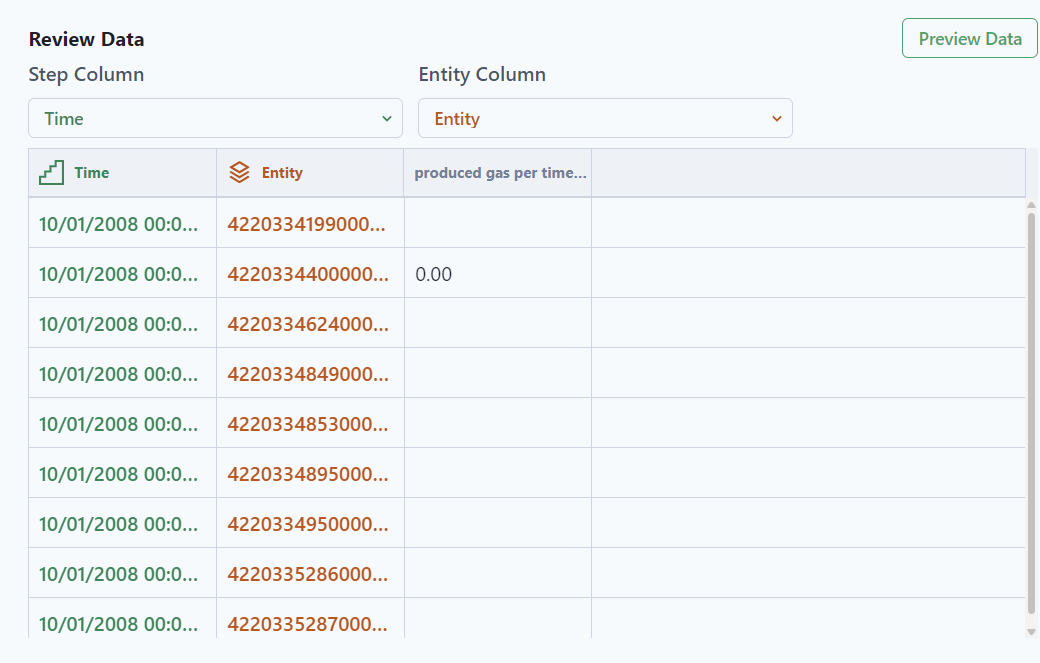
- Preview Data.

- Ensure that the Entity Column matches the unique identifier from the data. The Step Column is for the Time data.
- Select Mappings from the top of the page.

- Extract the data from the Connection.
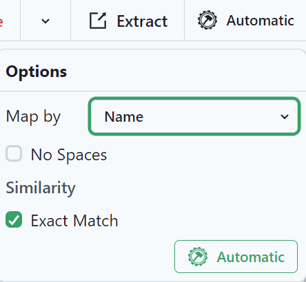
- Since the entities have already been mapped in the previous lesson, select Automatic and Automatic again. This will map the entities to exact matches in the workspace.
- Select Signals.

- Extract the data.
- Select Automatic and it will map to the Produced Gas per Time Increment.
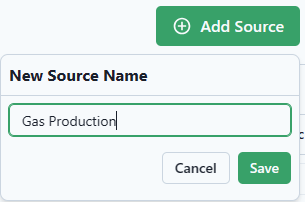
- Add the Source.

- Save as "Gas Production."
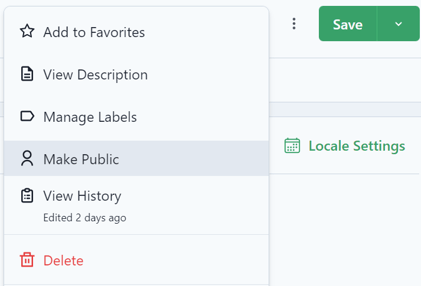
- Click on the ellipse to Make public.