![Weatherford-150.jpg]](https://hs.weatherford.com/hs-fs/hubfs/Weatherford-150.jpg?height=50&name=Weatherford-150.jpg)
Video Instruction
Training Guide
Location data is Latitude and Longitude. This data is considered to be Numberic and Static and requires it to be mapped separately from the Static Text Data from the previous lesson.
- Add Source by clicking on the green plus.

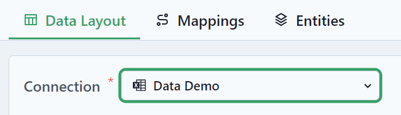
- Select the Connection as the Excel file.
- Select the following Data Settings.
Data Type: Numeric
Import Type: Static
Sheets: Specify Sheet Name
Sheet Name: Locations
Stacking: Entities
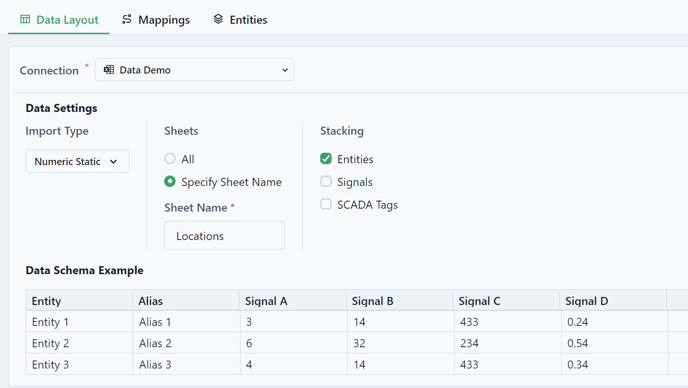
- Preview Data.

- Ensure that the Entity Column matches the unique identifier from the data.
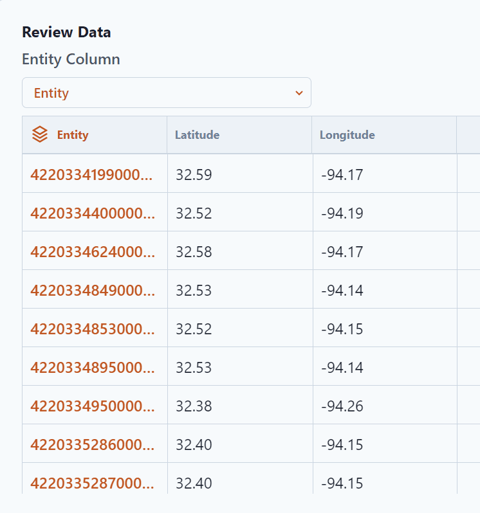
- Select Mappings from the top of the page.

- Extract the data from the Connection.

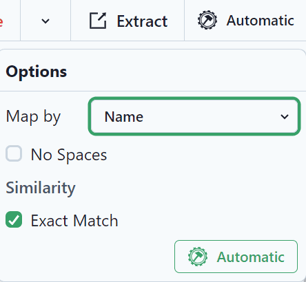
- Since the entities have already been mapped in the previous lesson, select Automatic and Automatic again. This will map the entities to exact matches in the workspace.
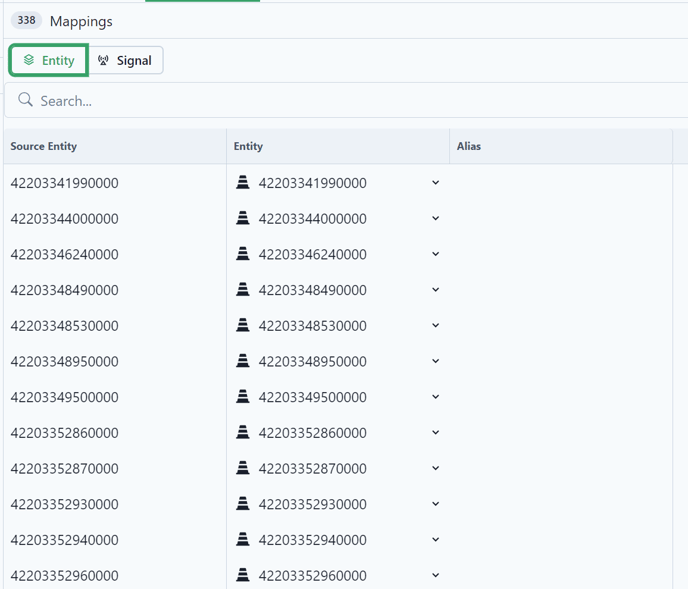
- Select Signals.

- Extract the data.
- Select Automatic and it will map to the Surface Latitude and Surface Longitude.
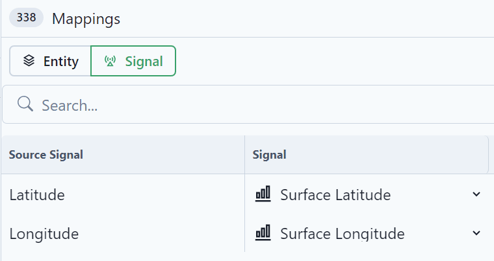
- Add the Source.

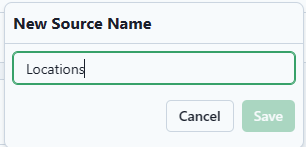
- Save as "Locations."
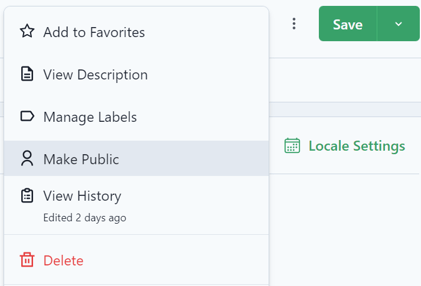
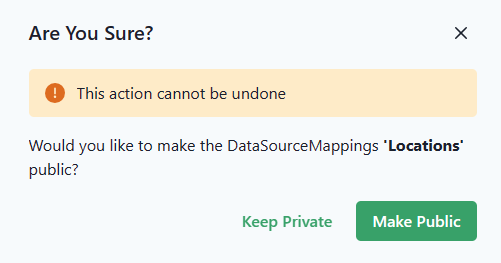
- Click on the ellipse to Make public.