![Weatherford-150.jpg]](https://hs.weatherford.com/hs-fs/hubfs/Weatherford-150.jpg?height=50&name=Weatherford-150.jpg)
Training Guide
Data sources will still need to be configured in the Power BI web app for the dashboard dataset, but clients can upload their specific dashboards.
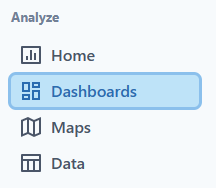
- Navigate to Dashboards in PetroVisor.
- Click on "Add Dashboard."

- Select "Select File."
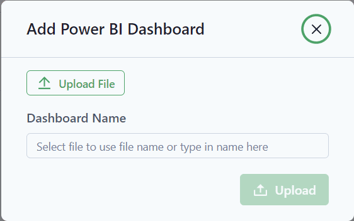
Note: Only .pbix files are accepted. These are files created in Power BI Desktop. Templates (.pbit) are NOT accepted.
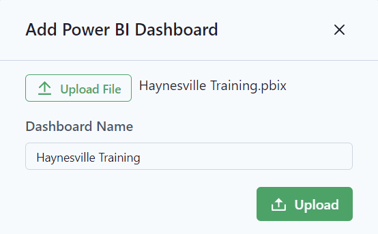
Notice that the file name matches the file selected. This file can be renamed.
- Select "Upload."

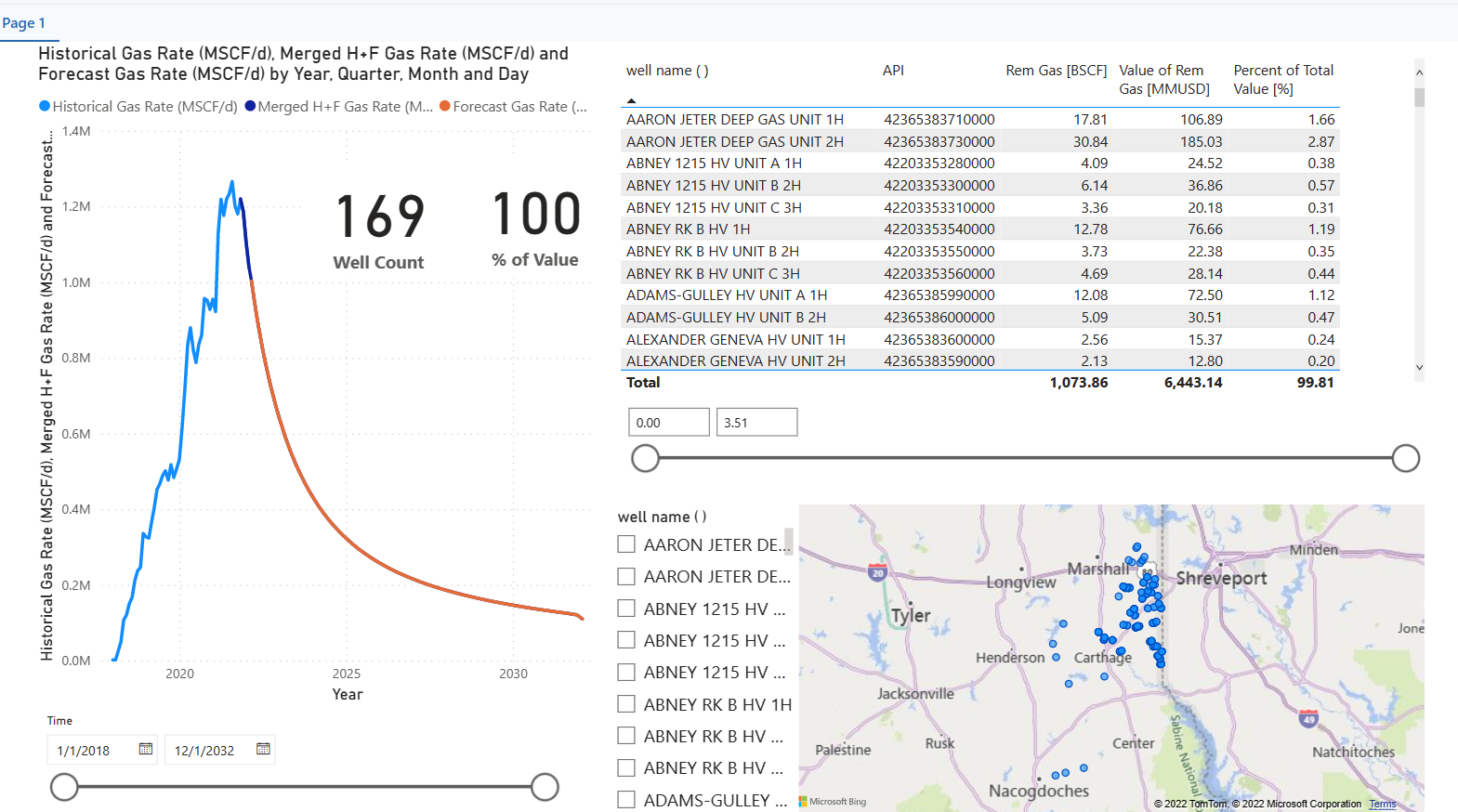
- Click on the Dashboard to make sure it displays appropriately.