![Weatherford-150.jpg]](https://hs.weatherford.com/hs-fs/hubfs/Weatherford-150.jpg?height=50&name=Weatherford-150.jpg)
Training Guide
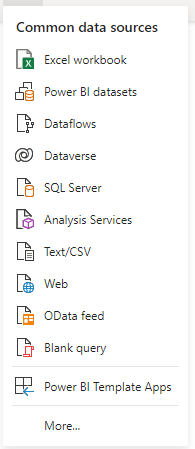
- Click Get Data.

- Click More from the drop-down menu.
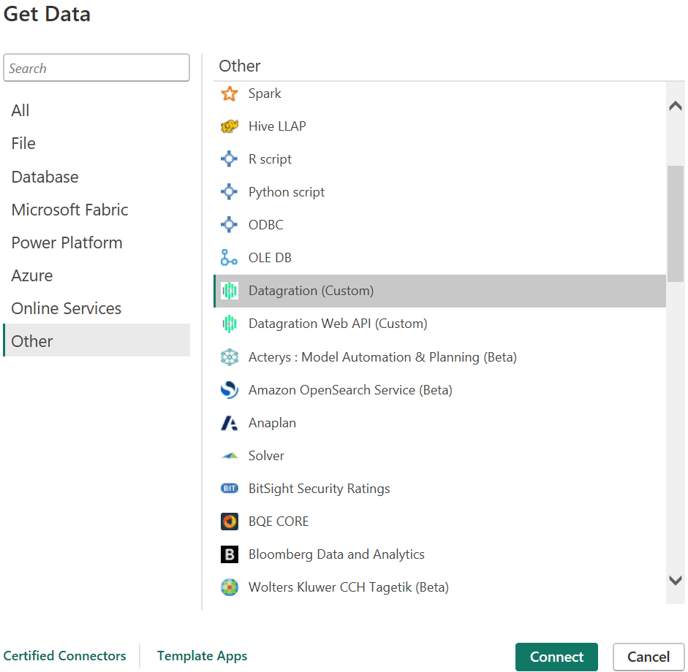
- Select Other.
- Select Datagration (Custom).
- Click Connect
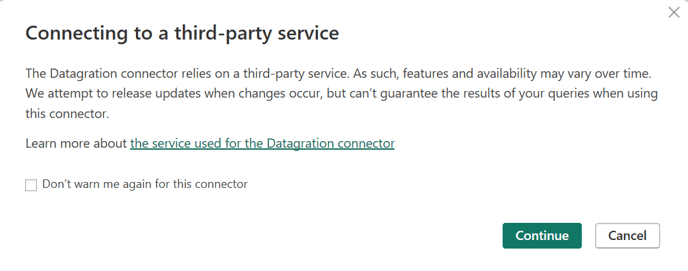
- On the warning that pops up, click Continue.
- Select North America from the dropdown and click OK.
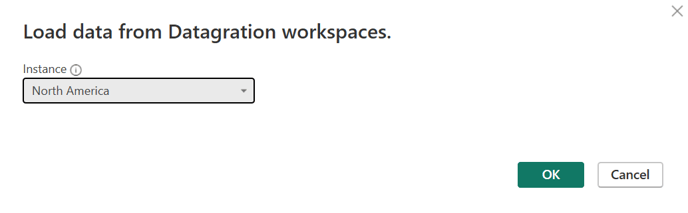
This will connect the Static Data, Production and Completion Summary pivot tables, and the Value Summary script.
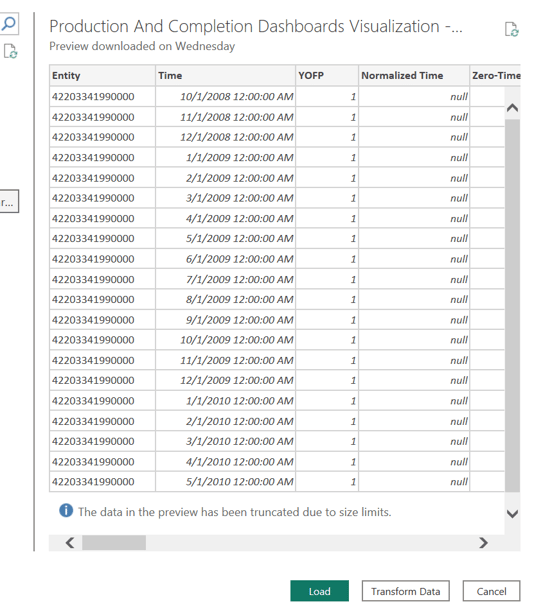
- Within your workspace, select the P# scripts and pivot tables to preview.
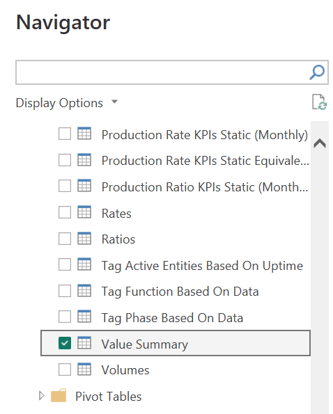
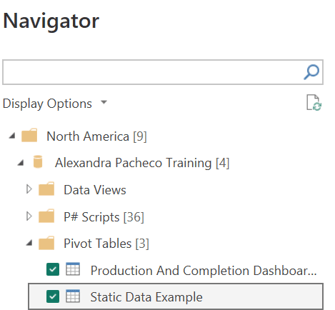
- Click Load