![Weatherford-150.jpg]](https://hs.weatherford.com/hs-fs/hubfs/Weatherford-150.jpg?height=50&name=Weatherford-150.jpg)
Training Guide
- Open the Power BI Desktop App.
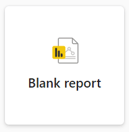
- Click Blank Report
- Click File.

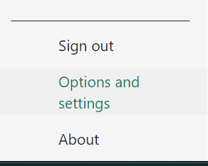
- Click Options and Settings at the bottom of the menu panel.
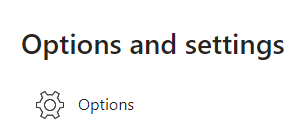
- Select Options.
- Select Security.
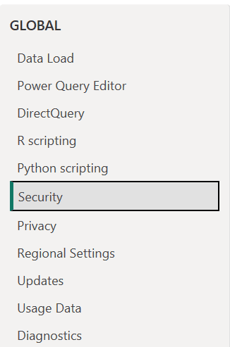
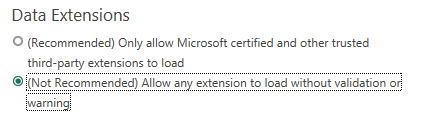
- Under the Data Extensions section, change to ("Not Recommended) Allow any extension to load without validation or warning".
- Click OK.

- Restart Power BI.