![Weatherford-150.jpg]](https://hs.weatherford.com/hs-fs/hubfs/Weatherford-150.jpg?height=50&name=Weatherford-150.jpg)
Analyze
Maps
-
Enhanced functionality now allows users to display opportunities directly on the map, improving visibility and insight into potential prospects.

-
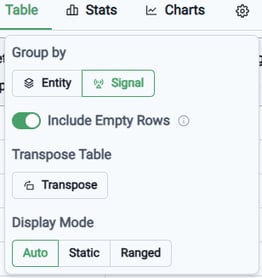
The data can also be exported in a transposed format, providing additional flexibility in how it's presented.

Predict
ML
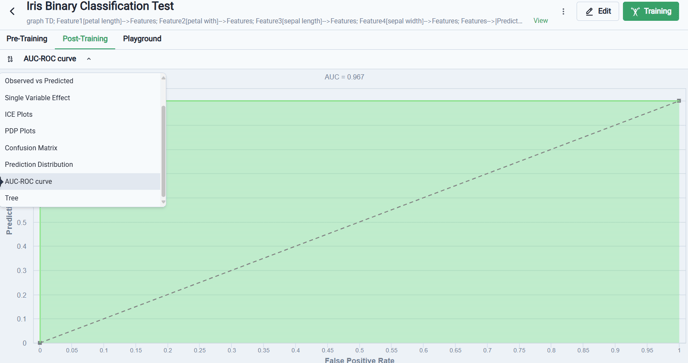
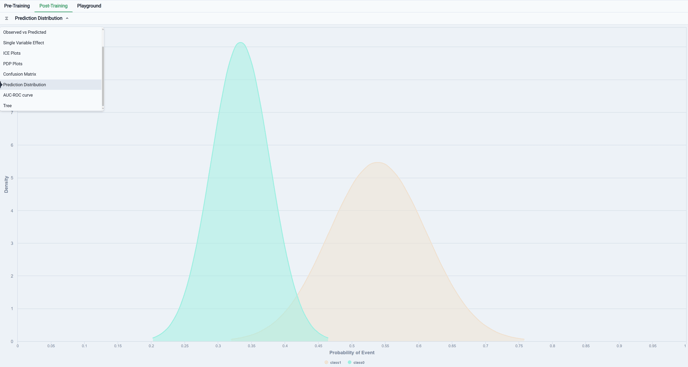
- We introduced new tools for assessing the performance of Binary Classification models post-training, including the ROC AUC curve and Prediction Distribution plots.
-
Enhanced hyperparameter tuning capabilities were introduced for AutoML experiments, allowing users to define specific ranges for hyperparameters in a manner consistent with non-AutoML experiments.
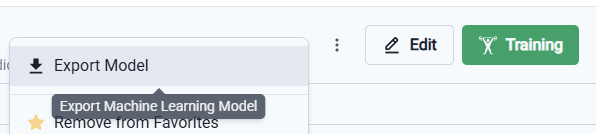
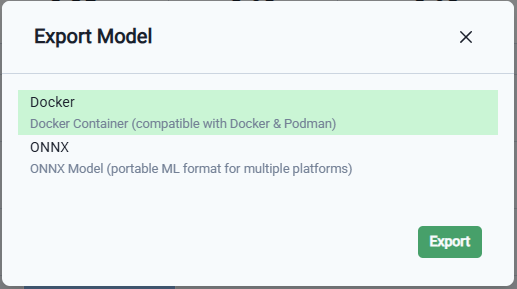
- You can now export your machine learning model as a .zip file compatible with Docker and ONNX formats, streamlining the deployment process.
Build
Develop
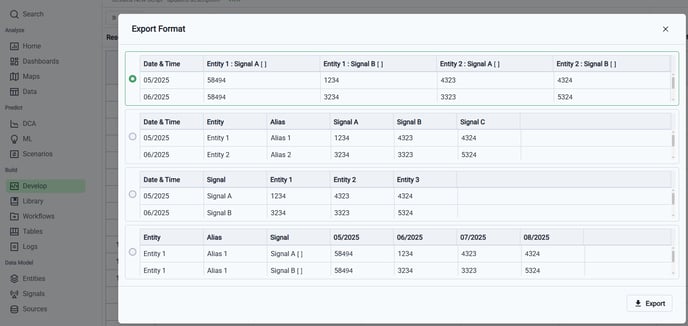
- The export option was added for P# scripts Results view, offering a total of four export options.

-
When the "Include empty rows" setting is turned OFF, the exported data excludes any empty rows.
-
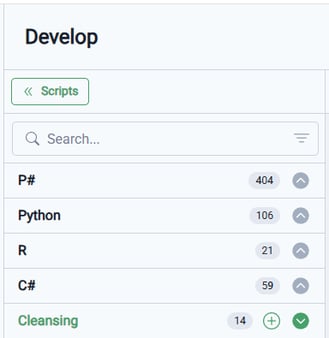
The order of the scripts was reorganized to enhance usability, now arranged as follows: P#, Python, R, C#, and Cleansing.
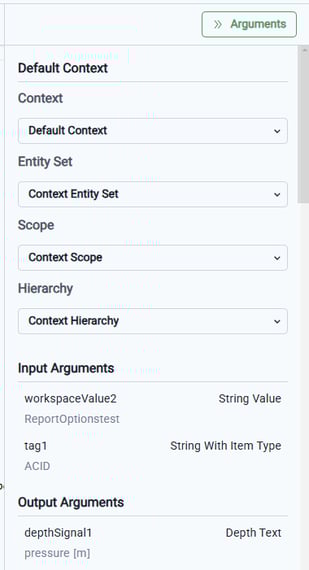
- The Arguments panel was enhanced for better usability. Additionally, for R and C#, it now retains its open or closed state, enhancing user experience by providing continuity between sessions.
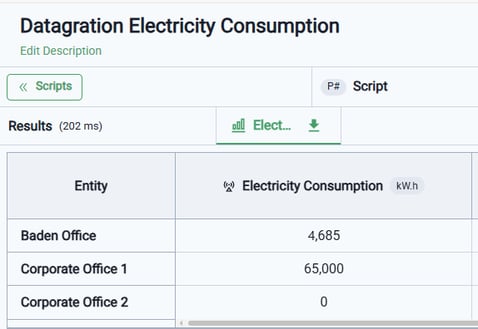
- The first column in the Results Table view dynamically adjusts to align with the data being displayed.
Data Model
Entities
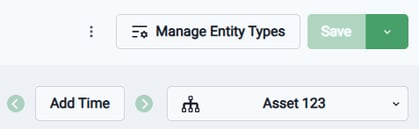
- Introduced the capability to incorporate a timestamp into a static hierarchy, transforming it into a time-based hierarchy without the need for additional modifications. This allows the static hierarchy to serve as a root entity, effectively initiating a time-based hierarchy structure.
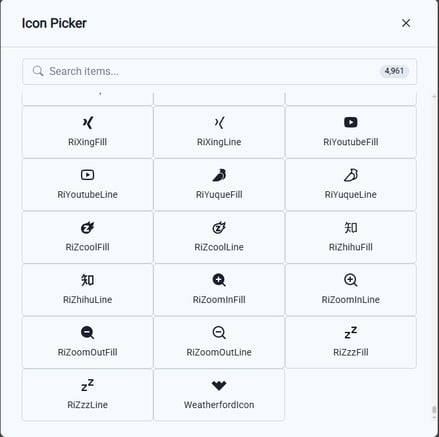
- The Weatherford logo was added to the Icon Picker dialog, allowing users to select it as one of the available icons for entity types.
Sources
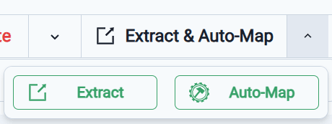
- On the Mappings tab, we streamlined the process of extracting and mapping your source file. A single button is now available to perform the entire operation with just one click, while still allowing for customization options if needed.
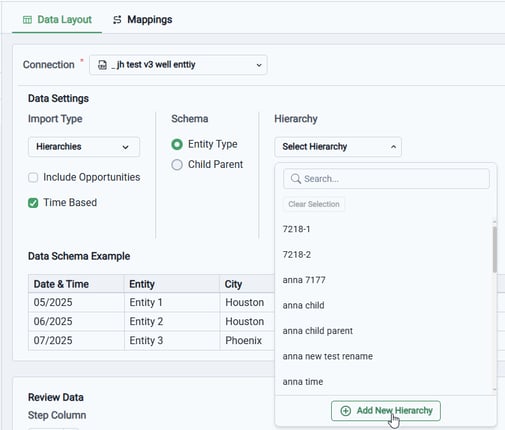
- Users can now create new time-based hierarchies within a source. When setting up a time-based hierarchy, you have the option to add a new hierarchy from the drop-down list, similar to the functionality available for static hierarchy sources. Please note that both a Name and a Root hierarchy are required when creating new time-based hierarchies.
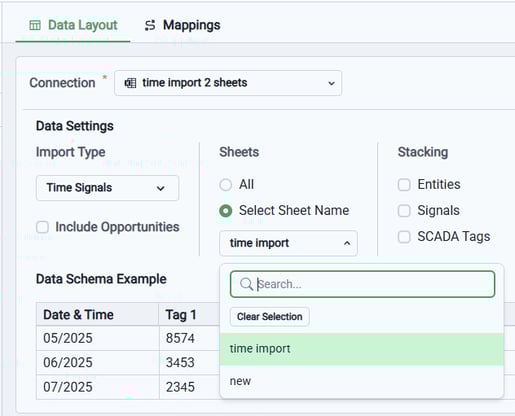
- For Excel sources, the names of the sheets now display in a drop-down list, enhancing user experience and making it easier to navigate.
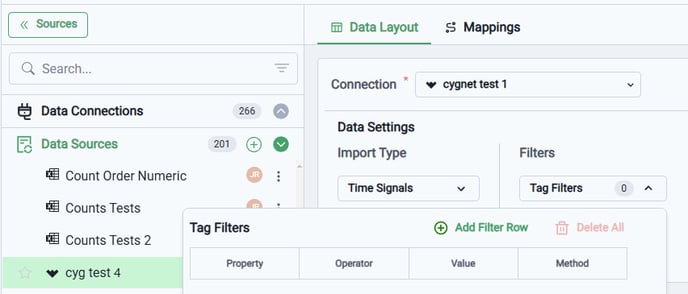
- For CygNet sources, data can now be filtered by properties, and the Tag Filters received visual enhancements for improved usability.
- An error notification now appears in the header of the Mappings tab if any issues are detected with tag sources, enhancing user awareness and facilitating quicker resolution.
- When loading time-based hierarchies, entities can be removed from the hierarchy during data import by using a prefix in the entity name.
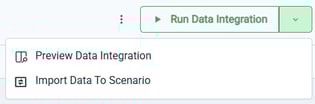
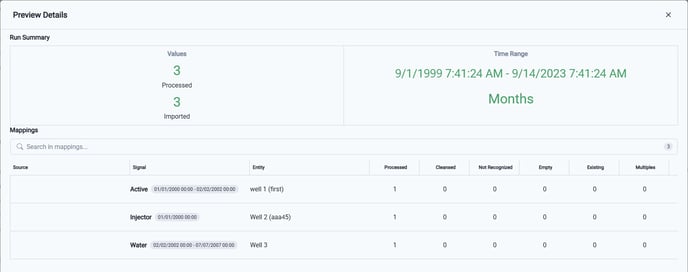
- The data count in Data Integration Sets Preview Details is now retained directly within the data source, providing better tracking and accessibility.
Workspace Settings
Tags
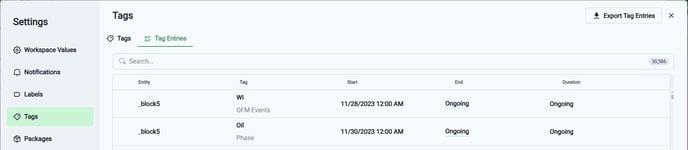
- Users can now export their tag entries, providing greater flexibility in managing and utilizing their data.
Files
- A new feature allows users to upload entire folders, simplifying the process of file uploads and enhancing overall user convenience.