![Weatherford-150.jpg]](https://hs.weatherford.com/hs-fs/hubfs/Weatherford-150.jpg?height=50&name=Weatherford-150.jpg)
PetroVisor works with Mapbox.
Once the desired "layer" is created, it's easy to load into PetroVisor.
There are two ways to create a layer.
Settings
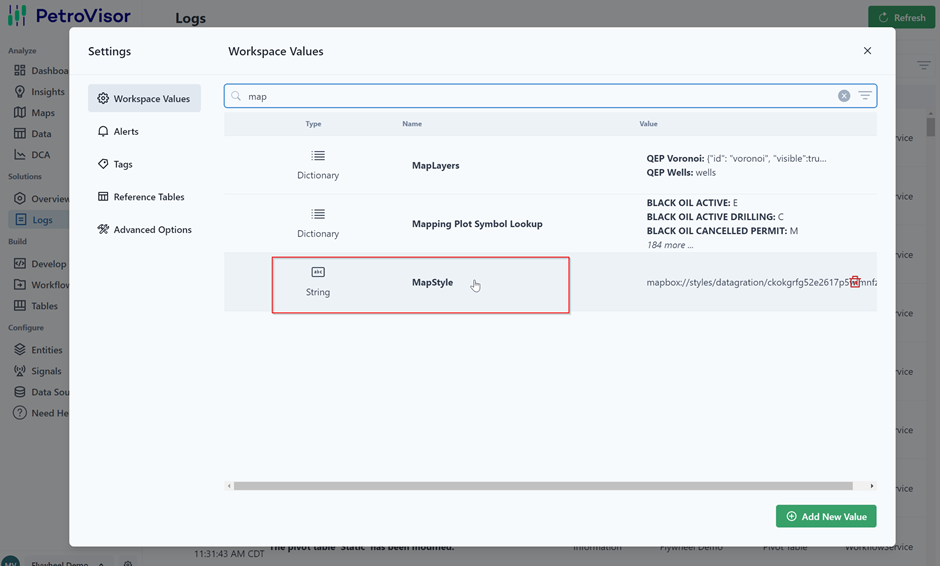
In PetroVisor Workspace, select Settings 
and select MapStyle.
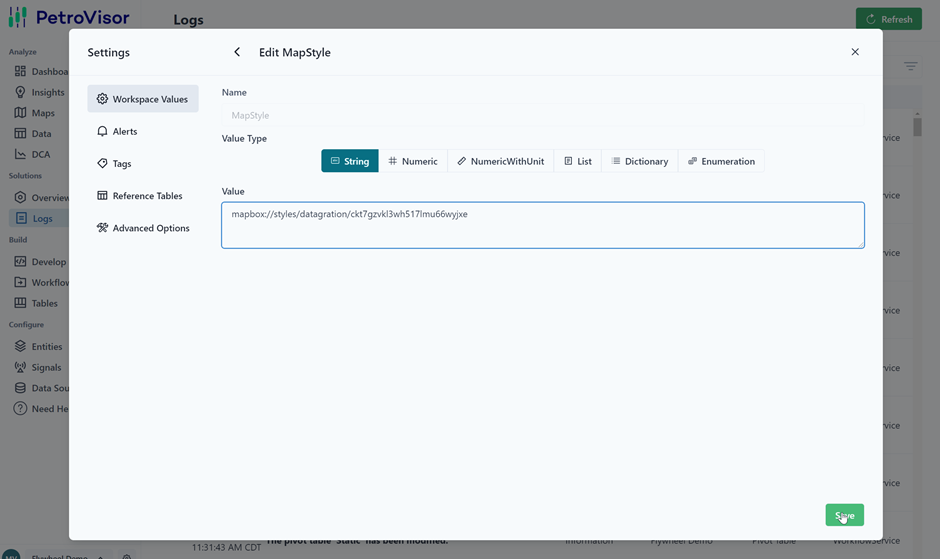
Paste link to desired layer and hit save.
In Map under Settings
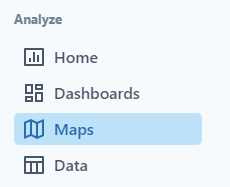
Navigate to Maps in the Navigation Panel.
Select the settings on the map key.
Enter your Mapbox Token and Map Style.
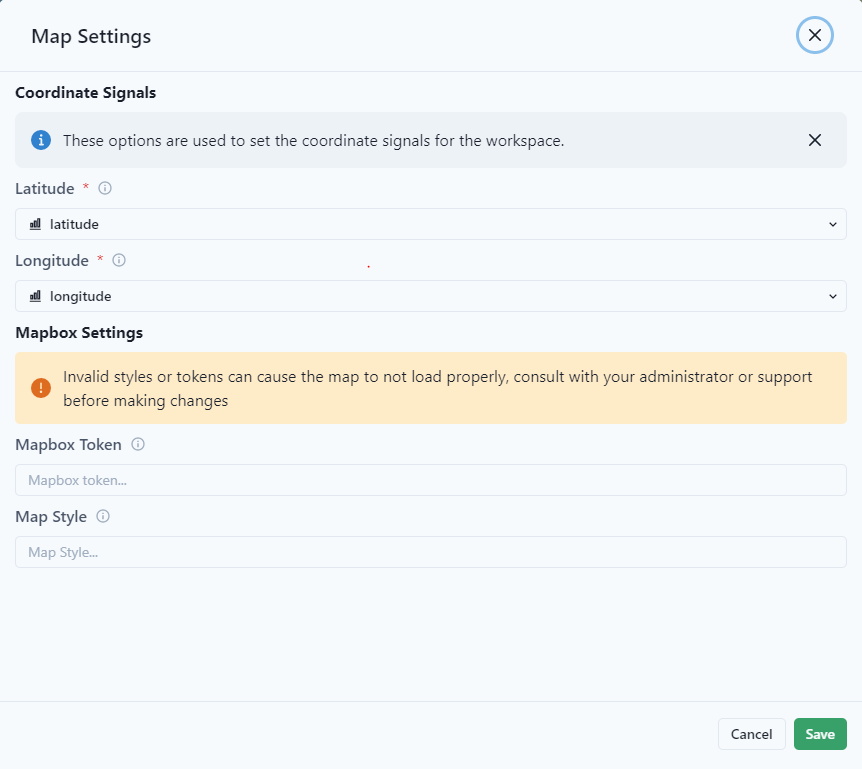
Select Save.
