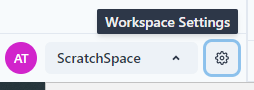
In the workspace, click on the settings gear.
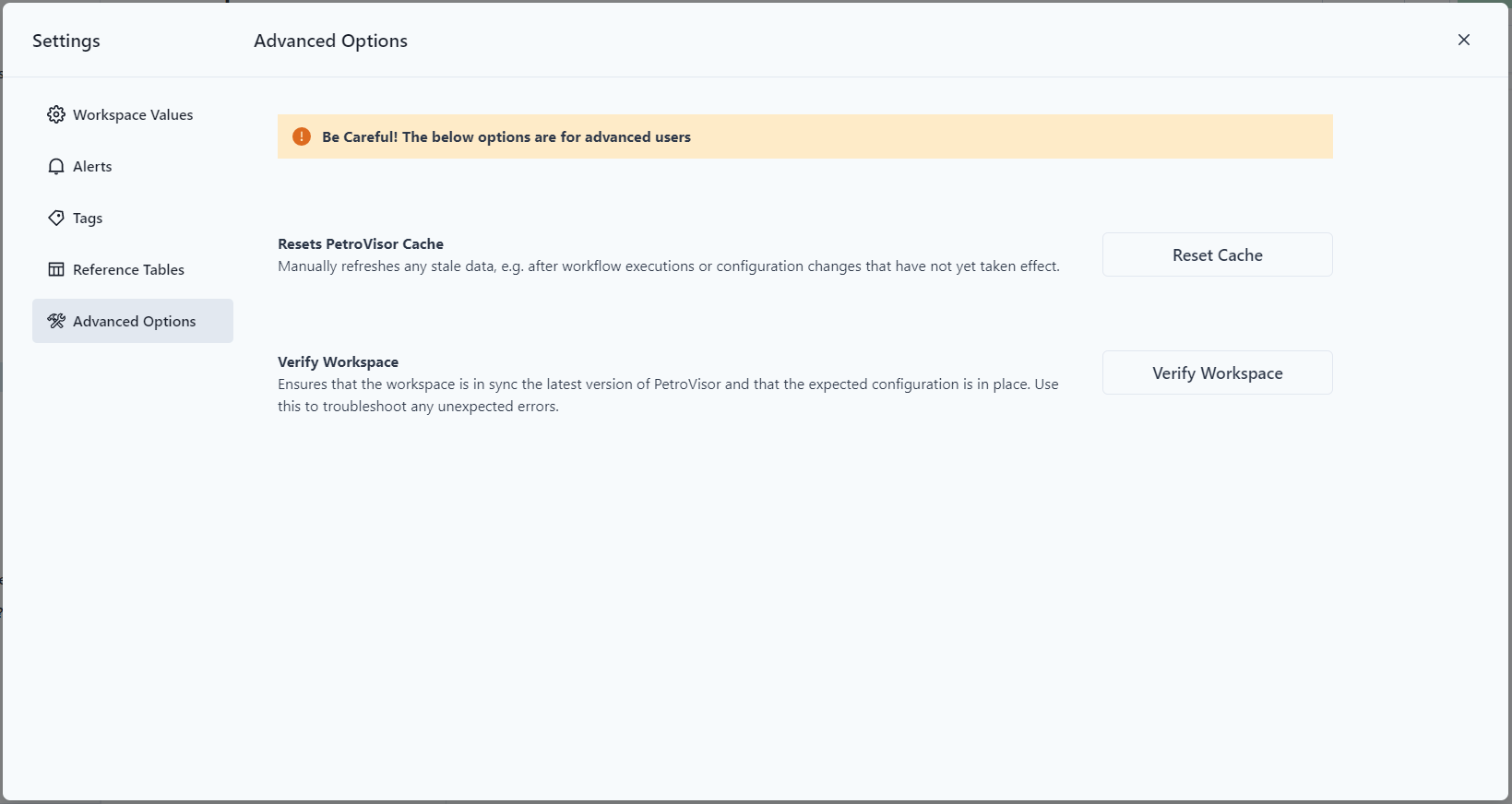
The Settings screen has an "Advanced Options" tab. Click the tab to display the functions.
To reset the cache, click the "Reset Cache" button.
![Weatherford-150.jpg]](https://hs.weatherford.com/hs-fs/hubfs/Weatherford-150.jpg?height=50&name=Weatherford-150.jpg)
In the workspace, click on the settings gear.
The Settings screen has an "Advanced Options" tab. Click the tab to display the functions.
To reset the cache, click the "Reset Cache" button.