![Weatherford-150.jpg]](https://hs.weatherford.com/hs-fs/hubfs/Weatherford-150.jpg?height=50&name=Weatherford-150.jpg)
This first step connects data into the workspace.
- Download this file to follow step by step instructions.
Video Instructions
Training Guide
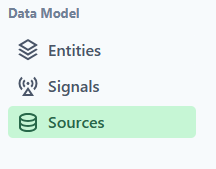
- In your training workspace, select Sources.
- Add a connection.
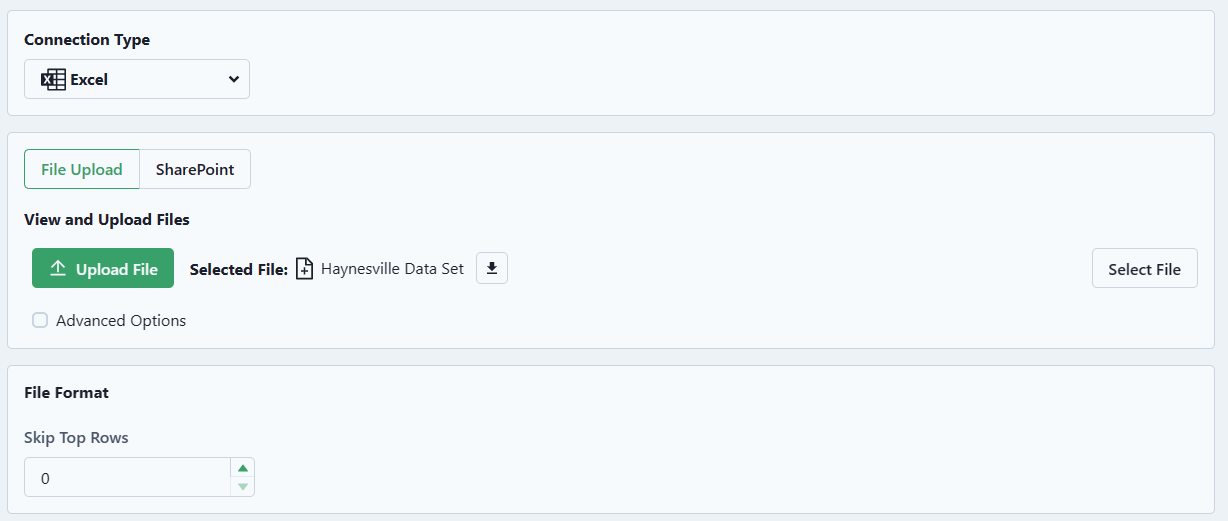
- Ensure that the Connection selected is Excel.
- Upload the file.
- The selection should look like the example below.
- Test the Connection to ensure that the connection is valid. This step is especially important when connecting to servers.
- Add the Connection.
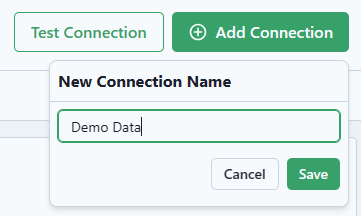
- Select Save.
You have now connected to this data source.