Global User Interface
Login
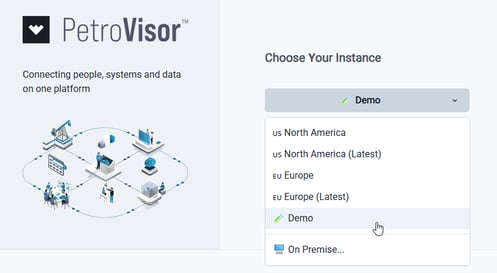
- A demo instance is now available for selection from the Choose Your Instance dropdown menu.
Analyze
Dashboards
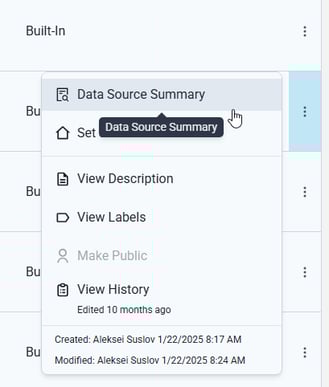
- The new Data Source Summary option displays a list of the data sources for the cards on a dashboard.
Data
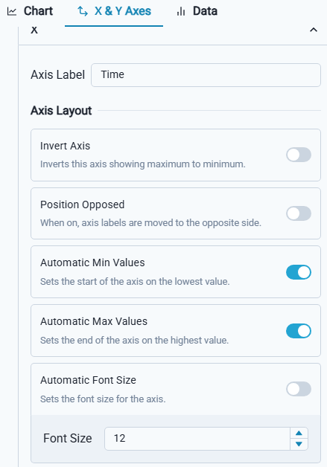
- Chart font size is now adjustable, allowing users to tailor data visualization readability to specific preferences and presentation requirements.
Predict
DCA
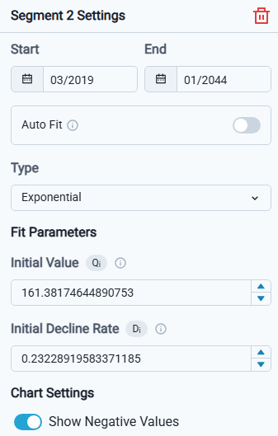
- The new Show Negative Values option was introduced in Segments Settings to display negative values. When negative values are present, the system provides a warning message.
Build
Develop
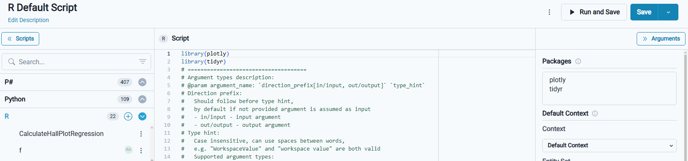
- Default template scripts are now available in both Python and R, enabling streamlined code generation across supported languages.
- Tag Entries arguments now include standard "Select All" and "Deselect All" options, along with a visible count of Selected items, streamlining the process of managing multiple selections.

Workflow
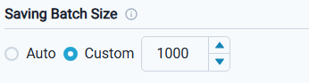
- P# and Data Integration Set activities now support configuring a batch size, enabling improved performance for data operations.
Tables
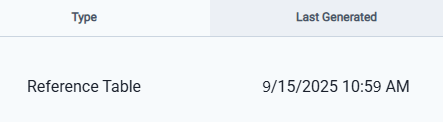
- Last Generated timestamp now displays for Reference Tables for enhanced data tracking.
Data Model
Signals
- The "None" aggregation option was removed, as it is not a supported selection.

Sources
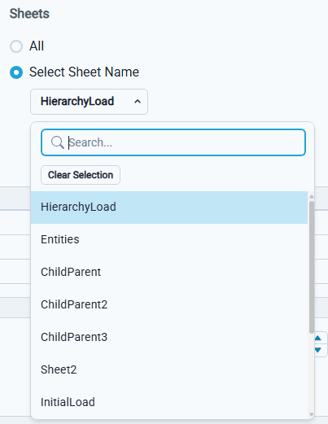
- For Excel sources, sheet names are now presented in a drop-down list, enhancing user accessibility and selection efficiency.
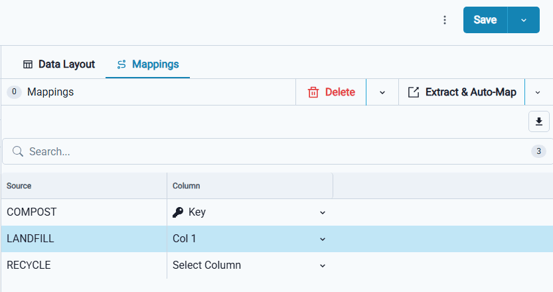
- For Reference Table sources, added validation to prevent saving a source unless it includes a key column and at least one other mapped column.
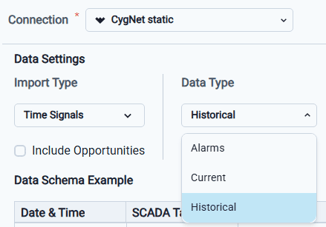
- A new CygNet Gateway has been introduced to enable retrieval of both historical and real-time time series data from CygNet. Additionally, added a new Data Type selector for Cygnet data sources, allowing users to specify inclusion of Historical, Current, or Alarm data.
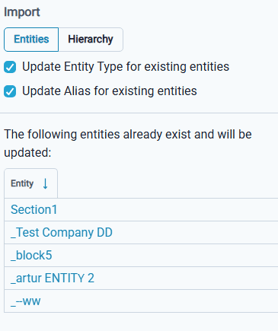
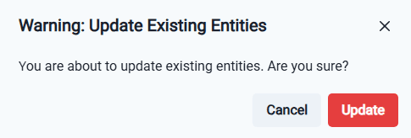
- An option was added to the "Update entity alias" selection, allowing you to import an entity alias even if it is already in use by another entity. The alias will be reassigned and removed from its previous association.
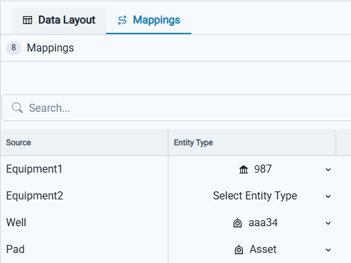
- Source mappings now leverage existing mappings to accelerate the process and reduce the need for manual configuration by end users.
Workspace Settings
Workspace Values
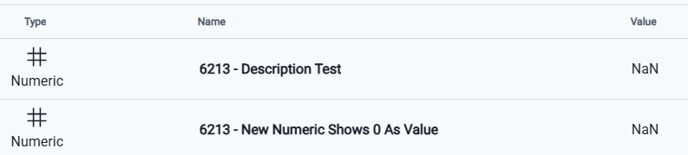
- The values list is now organized alphabetically by Name. You can also sort the rows by selecting either the Type or Name column header.
Notifications
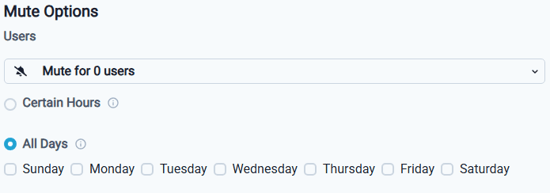
- New Mute Options are now available, allowing you to silence notifications for specified days of the week.