Analyze
Dashboards
- When returning to the Dashboards list after viewing a dashboard, the previously chosen sort order is preserved.

Predict
ML
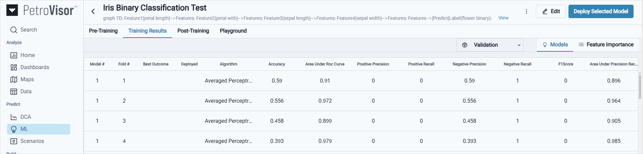
- The Training Results tab is now retained for each saved model, enabling you to return to the results and select an alternate model to deploy for post-training and prediction.
Build
Develop
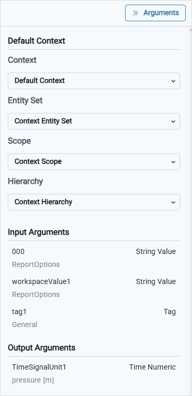
- Additional argument types are now available to align with Workspace Values defined in Workspace Settings.
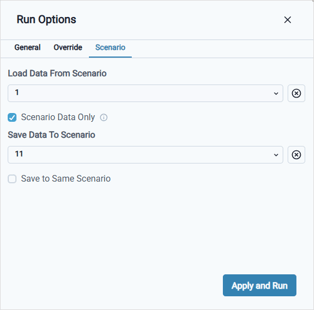
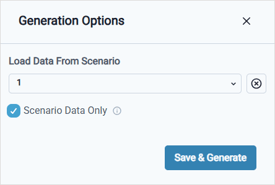
- When Save with options is selected for a P# script, the scenario options are now standardized.
Tables
- When Save with options is selected for a pivot table, the scenario options are now standardized.
Data Model
Entities
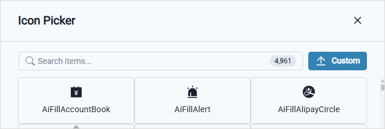
- You can now upload a custom icon for entity types.
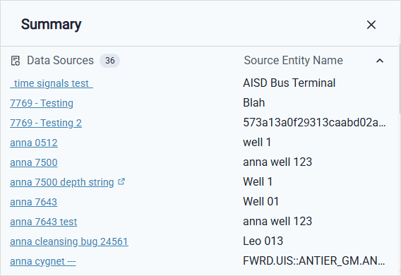
- The Data Source name is now available from the Summary modal.
Signals
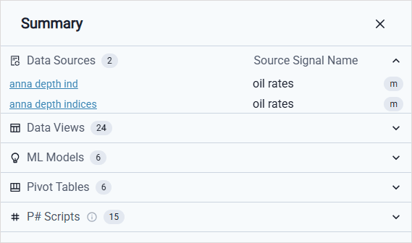
- The Data Source name is now available from the Summary modal.
Sources
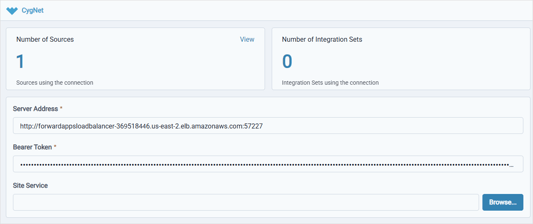
- For Data Connections, you can now browse to the preferred CygNet Site Service.
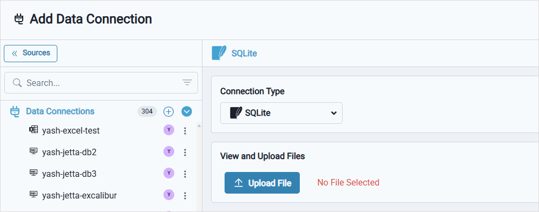
- For Data Connections, a new SQLite connection type is available that enables you to upload an SQLite file and run SQL queries against it to load data into the workspace.
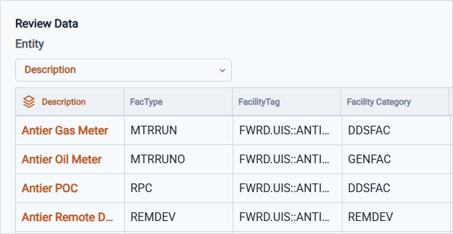
- For Data Sources, you can specify which column contains the entity when loading static data from a Cygnet source.
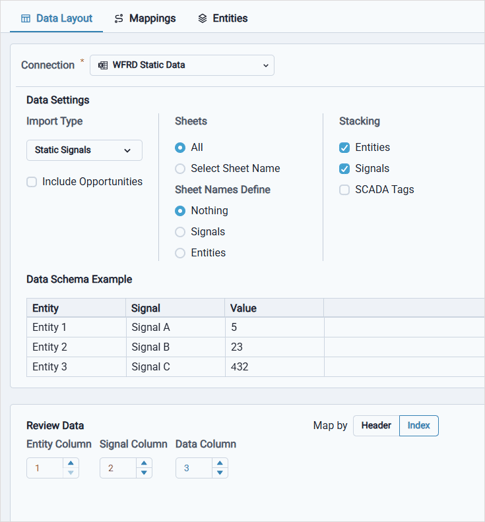
- For Data Sources, the data layout for signal mappings can now be mapped by column indexes.
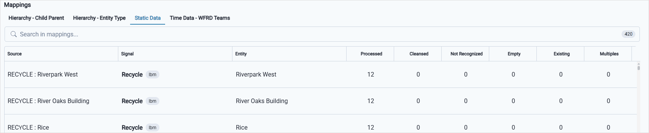
- For Data Integration Sets, the data sources are now organized into separate tabs, with column headers aligned to the data displayed on each tab.
Workspace Settings
Notifications
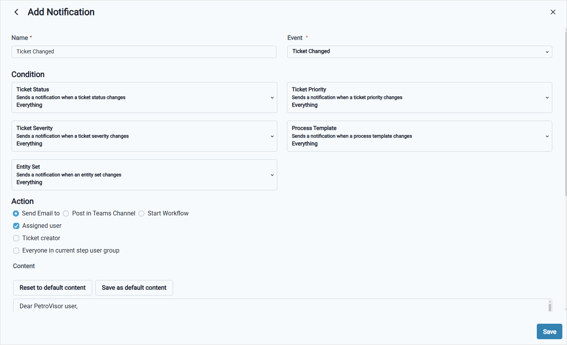
- The Action section now includes two options: Send email to, which lets you specify the users who receive notifications, and Start Workflow, which lets you initiate a workflow based on a defined condition.