Global User Interface
Global User Interface
- PetroVisor was updated to ensure consistency with Weatherford's visual standards.

Analyze
Dashboards
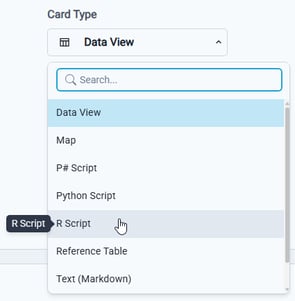
- Introduced support for incorporating R scripts within dashboard cards for advanced analytics.
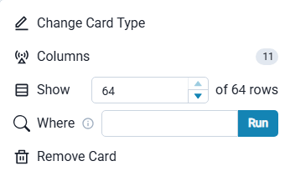
- Enabled the use of Where clauses on dashboard cards linked to Reference Tables, allowing for more precise data filtering and analysis.
Build
Develop
- Added default code for new C# scripts and enabled execution of C# scripts.
-
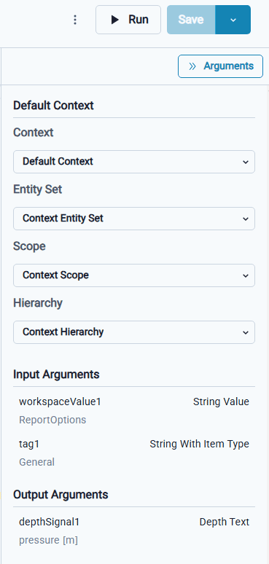
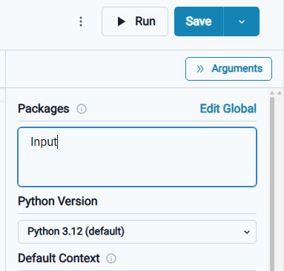
Validation checks now enforce proper formatting when saving R and Python script packages.
Workflows
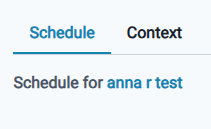
- The Schedule Detail modal now features additional tabs, enhancing usability for a more intuitive user experience.
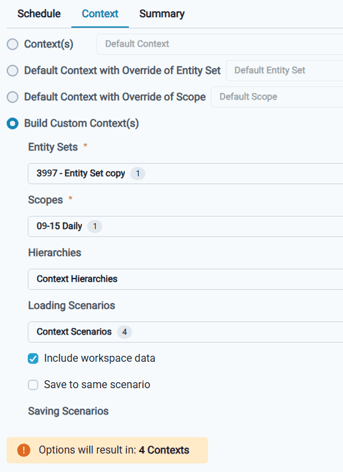
- The Schedule Detail Context tab was refined to provide users with clear visibility into all available options.
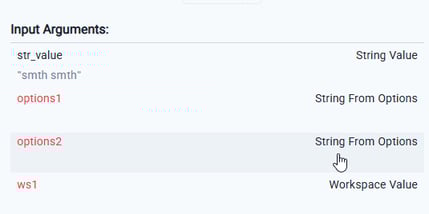
- Users can now manage Multi String From Options and Multiple String With Type arguments, delivering greater flexibility and control in workflow configurations.
Data Model
Entities
- Enhanced the performance and responsiveness of the Entities page.
- Introduced the capability to delete entities within hierarchical structures.
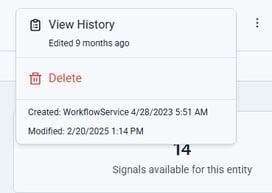
Signals
- Signal Type selections now feature consistent filters across all areas of PetroVisor.
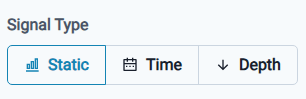
Sources
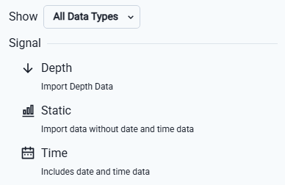
- For Unified Data Sources, selection is now streamlined to three categories: Static, Time, and Depth. Both text and numeric data types are supported and can now be consolidated into a single file.
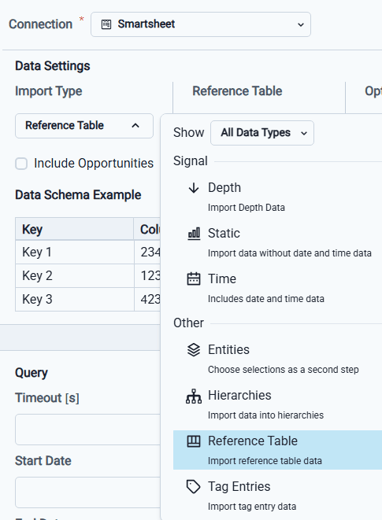
- Enabled loading of Reference Tables and Tag Entries from a Smartsheet connection.
- For Cygnet Sources, introduced a Filters section that enables users to filter data based on specific properties.
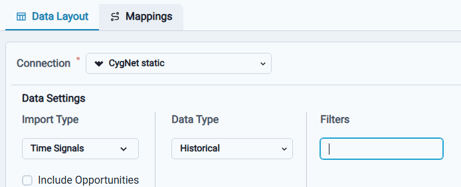
- Enabled connectivity to the Cygnet bridge and support for seamless data integration.
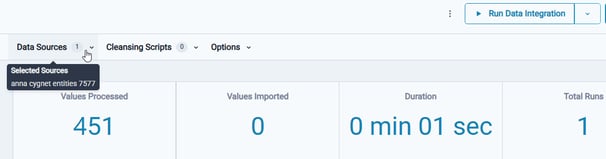
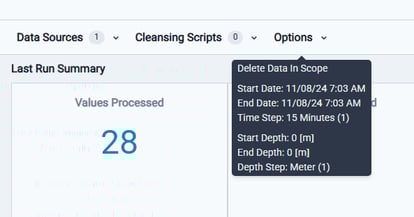
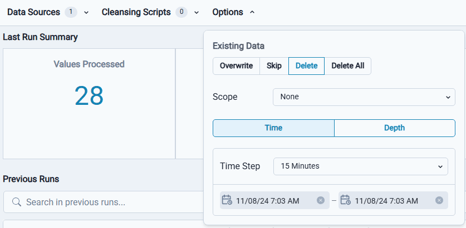
- Comprehensive Data Integration Set information is now provided detailing the Data Sources utilized, Cleansing Scripts applied, and the configuration Options chosen through tooltips and dialog boxes.
Workspace Settings
Files
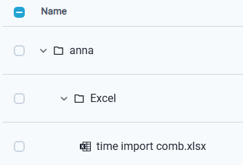
- Folders can now be created within Files, and this hierarchical structure is visible when selecting files within data sources.